Commit vs Opal
Opal offers a free plan, subscriptions and lifetime access. Commit is a free app with a one-off card and no subscription. Compare price, blocking and devices.
The short answer
Opal is a well-designed app blocker with free, subscription and lifetime options. Commit is a free app with a card you buy once. The bigger difference is how a session ends: with Opal, usually when a timer or rule ends; with Commit, usually when you walk to your card.
- Choose Opal if you want blocking on your Mac and Android phone as well as your iPhone, or you like scores, focus timers and soundscapes.
- Choose Commit if you want a card you buy once, with the usual way out somewhere physical rather than on your phone.
Two ways to end a session
Most app blockers, Opal included, are built on timers and rules. You choose what to block and for how long, and the block lifts when the time is up. Opal’s Focus Timer asks you to “lock in until the timer runs out”, and its paid Hard Mode can prevent cancelling rules or taking breaks.
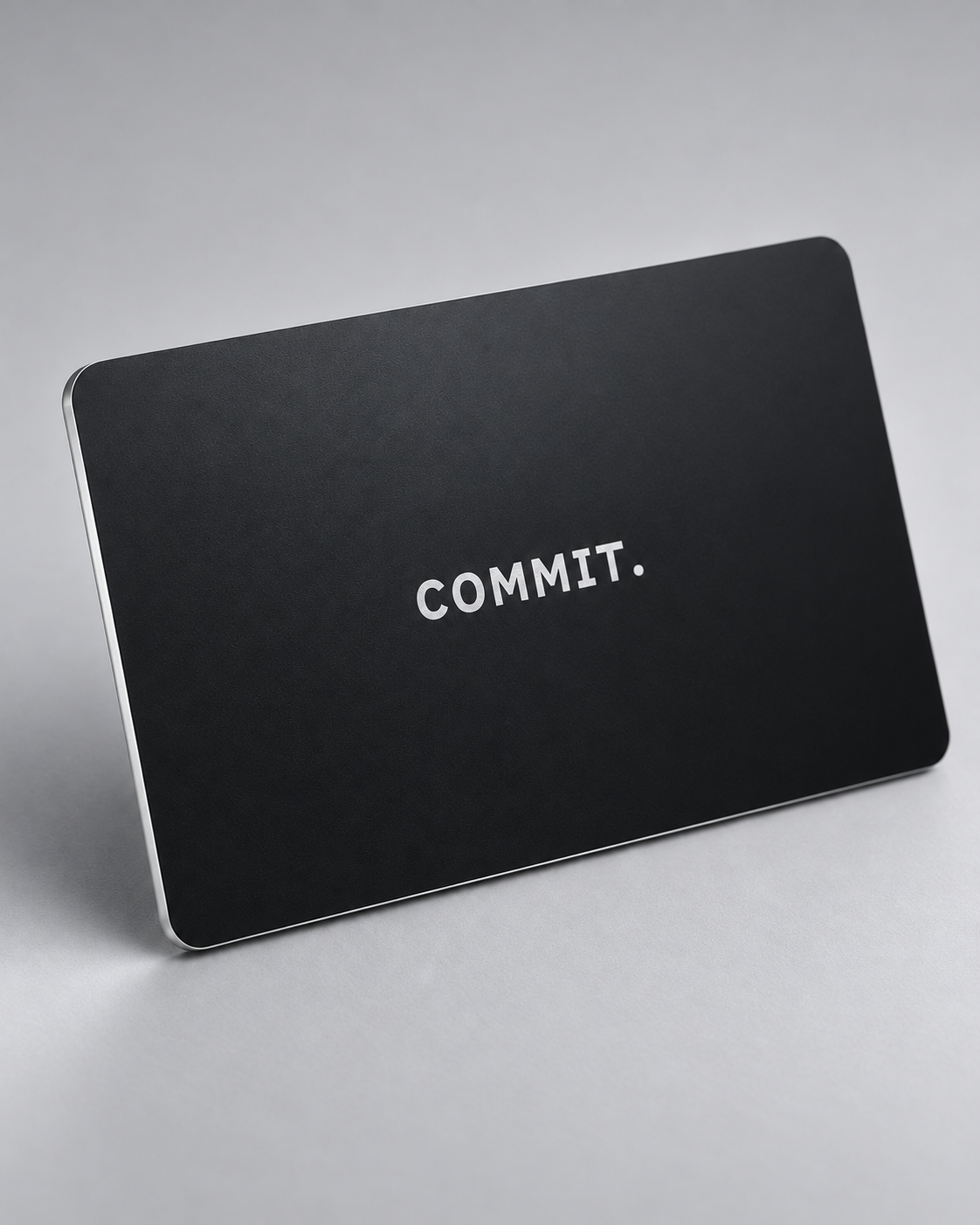
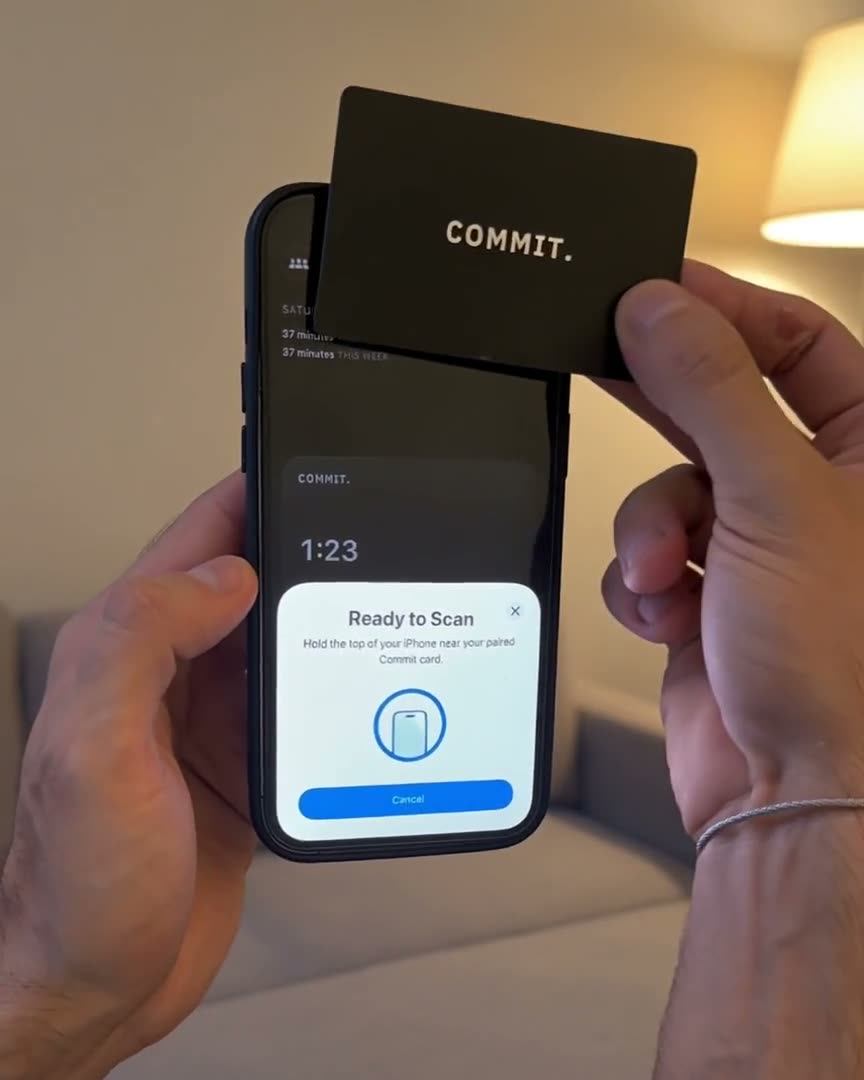
Commit sessions can end at a set time too, but the usual way is your card. Your apps stay blocked until you go to wherever you left it and tap your phone on it. You don’t have to guess in advance how long you’ll need. When you’ve finished, you get up and unlock. If you’re not finished, the card is in another room and the urge usually passes on the way.
Neither approach is unbreakable. On iPhone, both apps use Apple’s Screen Time framework, which lets you withdraw an app’s access in Settings on a self-managed iPhone. What changes is how much effort it takes to give in.
Side by side
| Commit | Opal | |
|---|---|---|
| What you pay | £29.99 for the card, once. Free UK delivery. App free | Free plan, or Pro at roughly US$90–US$110 a year, US$15–US$25 a month, or US$350–US$450 lifetime. Local prices and offers vary |
| Free version | Every feature, once you have a card | Three rules, basic timers and soundscapes, today’s Opal Score |
| How a session ends | Scan your card, at a set end time, or with an emergency release | When a timer, schedule or limit ends; breaks depend on the rule’s settings |
| Strictest setting | Strict Mode stops deleting apps, installing apps, changing the clock and in-app purchases | Hard Mode (Pro): can prevent cancelling rules or taking breaks |
| Block everything except a few apps | Yes, Allow selected modes and Maximum Focus | Yes, Allow Only (Pro) |
| Scheduling | Repeating routines and one-off sessions on your calendar | Schedules, time limits and open limits |
| Alarm | Wake: rings until you scan the card (iOS 26 or later) | Not listed on Opal’s pricing page |
| With friends | Group Commits for up to 20 people. Guests need no card | Friend leaderboards; shared blocking sessions not listed |
| Devices | iPhone, iOS 17 or later | iPhone, Mac and Android |
| Refunds | 30-day returns on the card | 30-day money-back for purchases on Opal’s website; App Store purchases go through Apple |
Cost over time
Opal’s free plan is a real option if three rules are enough. Hard Mode, more rules and Allow Only are in Pro. Its website lists roughly US$90–US$110 a year, US$15–US$25 a month, or US$350–US$450 for lifetime access. Local prices and offers vary. Opal offers students up to 50% off.
Commit costs £29.99 once. Free UK delivery. There’s no subscription and nothing is held back behind a paywall. The only optional purchase is extra emergency releases, three for £1.99 in the UK, A$2.99 in Australia or US$1.99 in the US (App Store country), and you get four free, with one added back every 60 days.
Where Opal is the better choice
- Your Mac. If your distractions are on your laptop as much as your phone, Opal covers both. Commit is iPhone-only.
- Android. Opal is on Android today; Commit isn’t yet.
- No hardware. Nothing to keep track of or leave in another room. For some people, that’s the point.
- Features around focus. Timers, soundscapes and a running focus score suit people who like to gamify their habits.
Where Commit is the better choice
- One payment. Every feature is included, for good.
- A physical way out. Ending a session means getting up, which stops most impulse unlocks before they happen.
- Mornings. The Wake alarm is designed to get you out of bed: scan your card to finish it before it rings again. An emergency release can also end it.
- Together. Group Commits let friends, flatmates or a study group block their own apps and start at the same time. Guests need no card or account.
- A safety net that comes back. Included emergency releases replenish by one every 60 days, up to four, if you lose the card.
Sources
- Opal pricing (plans, Pro features, Hard Mode, refunds, student discount)
- Opal homepage (platforms, Focus Timer) and Opal App Store listing (friend leaderboards)
- Opal Pro help (three free rules, Hard Mode)
- The Commit Card and the Commit app on the App Store
Questions
- How much does Opal cost?
- Opal has a free plan with three rules. Its website lists Pro at roughly US$90–US$110 a year, US$15–US$25 a month, or US$350–US$450 for lifetime access. Prices vary by plan, offer and country; check your App Store or Opal’s website before buying.
- How much does Commit cost?
- The Commit app is free, with every feature included. One Commit Card costs £29.99 in the UK, A$49.99 in Australia or US$39.99 in the US, with no subscription. Delivery is free to the UK and Australia. US tracked delivery is US$9.99. The only in-app purchase is optional extra emergency releases.
- Does Commit work on Mac or Android?
- Not yet. Commit is for iPhones running iOS 17 or later, and Android is coming soon. Opal is available on iPhone, Mac and Android.
- Which is stricter?
- Both can be very strict. Opal Pro’s Hard Mode can prevent cancelling rules or taking breaks. Commit sessions can end when you scan your card, at a set end time, or with an emergency release, and optional Strict Mode stops you deleting apps during a session.