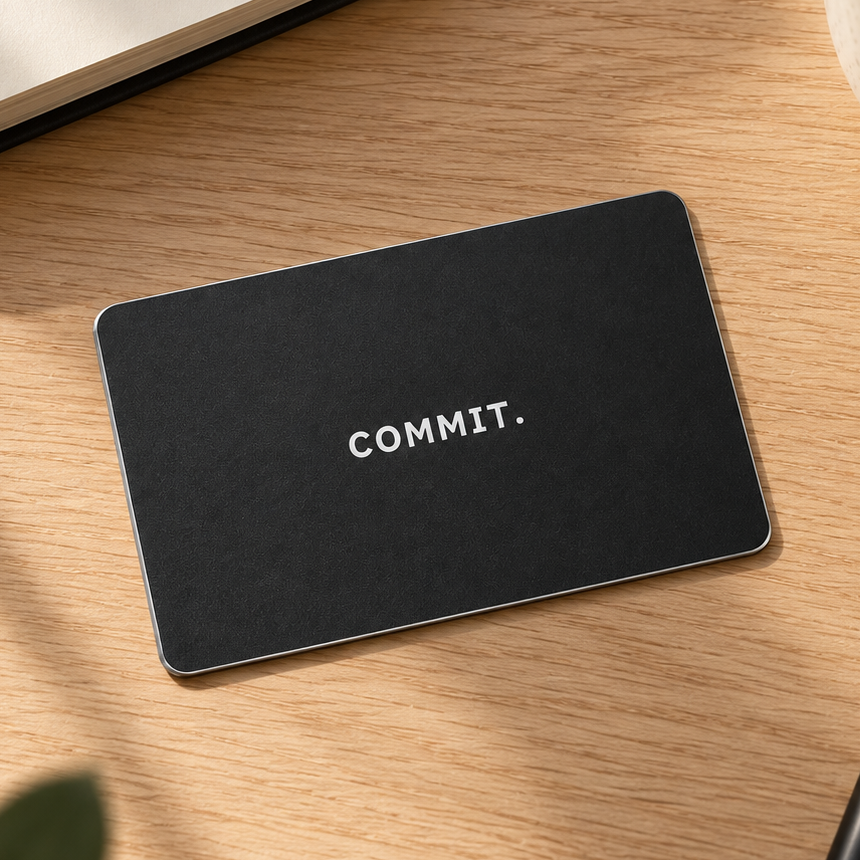
PHYSICAL FOCUS FOR REAL LIFE
The Commit Card
A simple physical step between you and the apps you keep opening. Start a Commit, leave the card behind, and come back to it when you choose to unblock.
30-day returns from delivery
Online checkout details are being finalised.
Secure checkout · UK delivery only · Delivery & returns
How the card works
Choose the apps and websites you want to block in Commit. Start a session, leave the card elsewhere, then scan it when you are ready to finish.
What you need
The physical card and the Commit app on a compatible phone. Commit supports iOS 17 or later and Android 12 or later.
What if I need access without my card?
The app includes emergency exits for times you need to unblock without the card. Check the app for your current options.
Delivery & returns
How Commit works
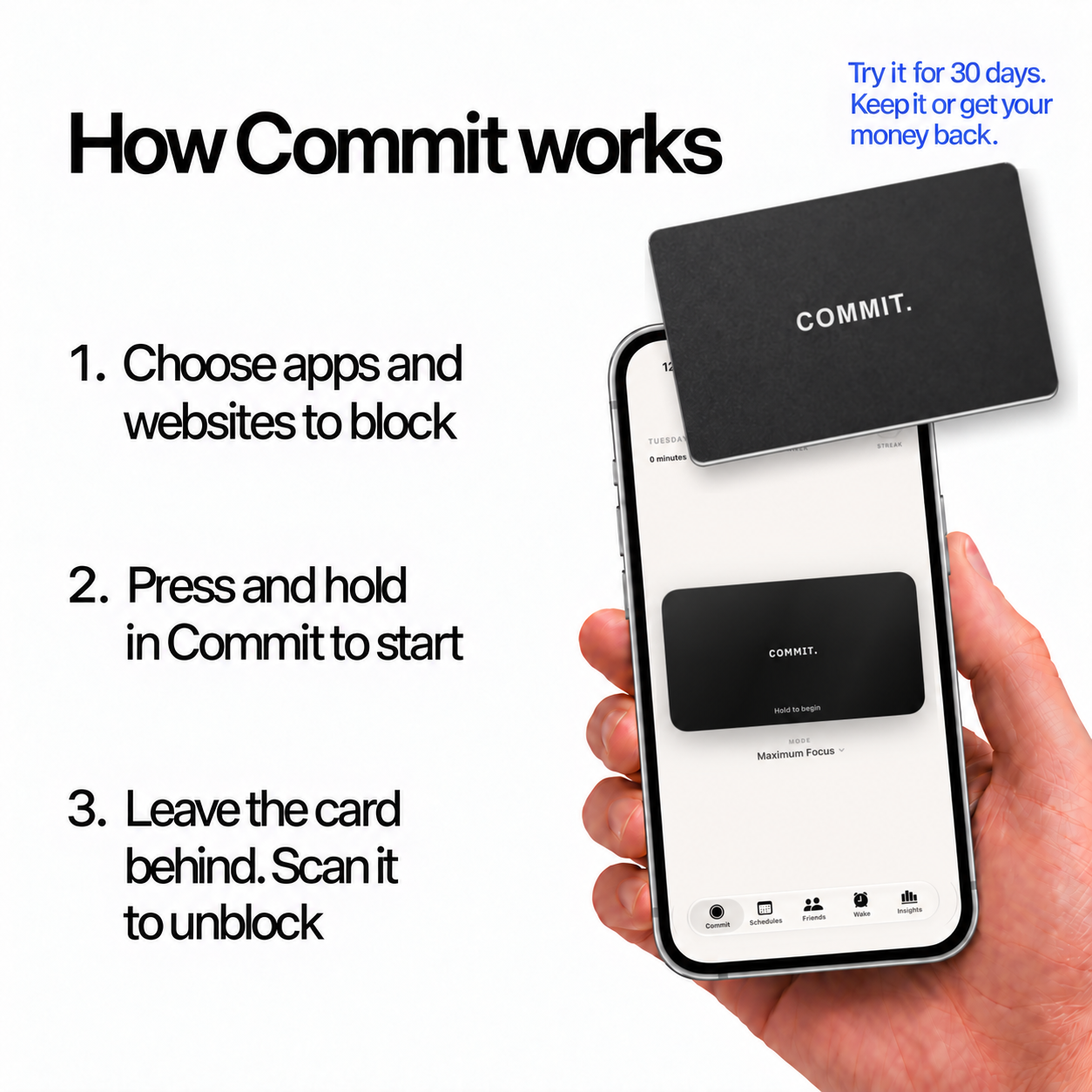
Illustration of the Commit app experience. Read the 30-day returns policy.
THE DIFFERENCE IS PHYSICAL
Why we’re different.
Swipe to compare all three options →
Commit Card | Apple Screen Time | Brick phone | |
|---|---|---|---|
| Physical card to end a session | ✓ | × | × |
| Choose apps and websites to block | ✓ | ✓ | × |
| Use it on your current smartphone | ✓ | ✓ | × |
| Keep your everyday apps available | ✓ | ✓ | × |
| Keep making phone calls | ✓ | ✓ | ✓ |
Comparison covers the physical Commit Card, standard self-managed Apple Screen Time, and a traditional keypad phone (sometimes called a brick phone). Screen Time settings and basic phone features vary. Commit includes emergency exits for access without the card.
READY TO MAKE SPACE?