Less scrolling.
More living.
Hold to block distracting apps.
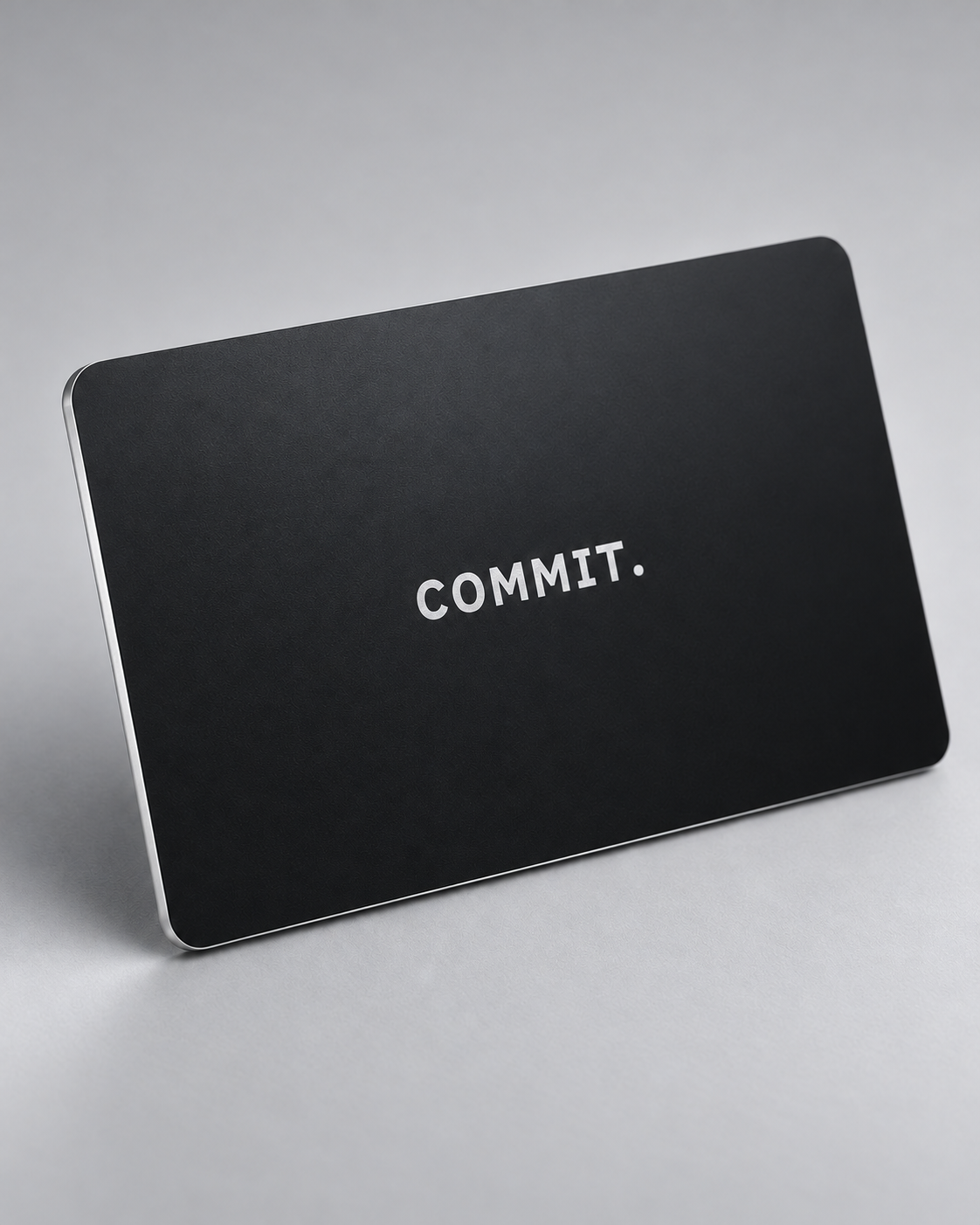
Scan your Commit Card to unlock.

Works with iPhone (iOS 17+) · Android coming soon
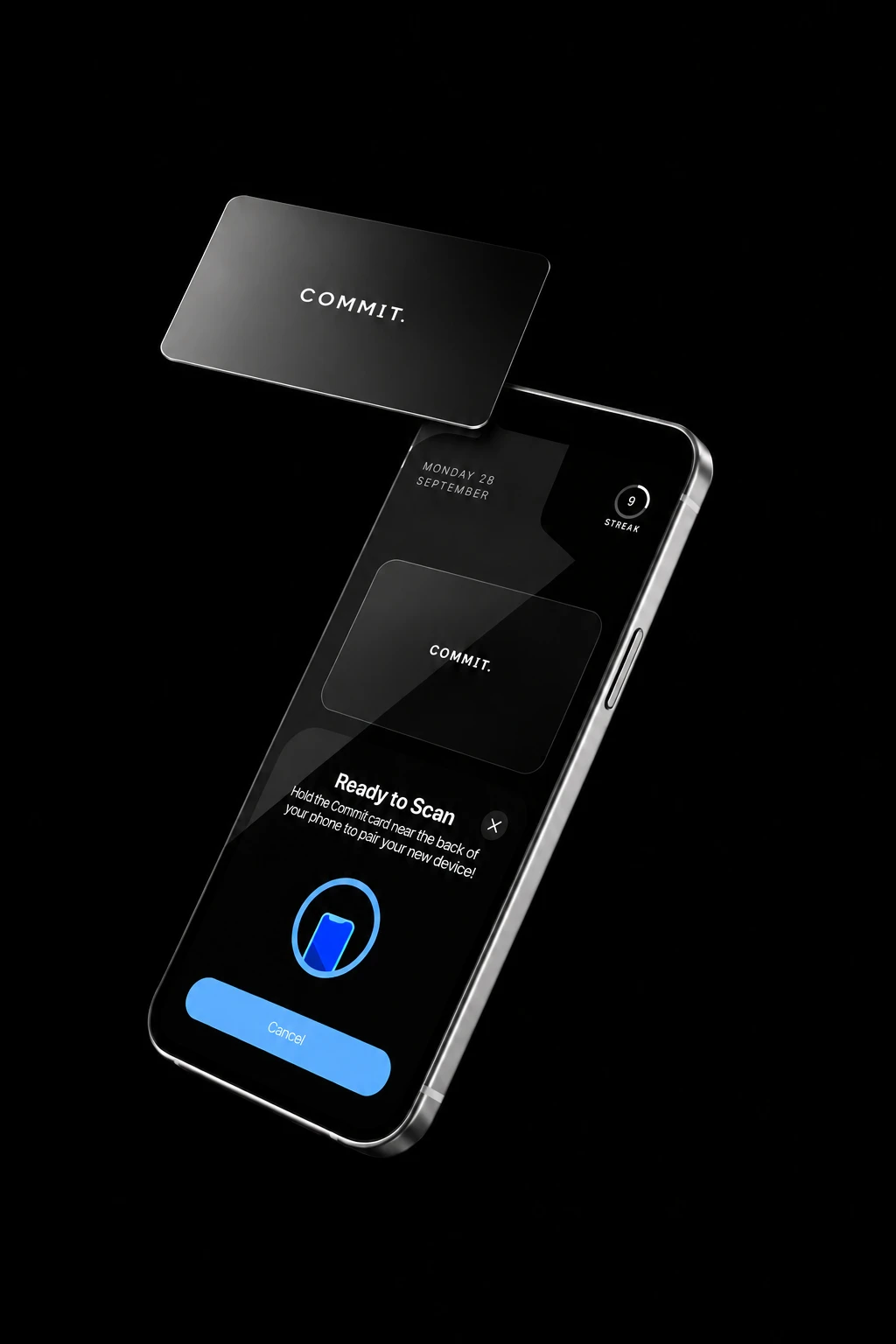
How Commit works
Leave your card away from where you sit, so unlocking means getting up.
Why not just use Screen Time?
Screen Time keeps “Ignore Limit” one tap away. With Commit, getting back in means getting up.
Instagram is blockedGo to your Commit Card and scan it to unlock.
OKTime LimitYou’ve reached your limit on Instagram.
One More MinuteRemind Me in 15 MinutesIgnore Limit For Today
One price. Nothing to renew.
£29.99
+ £4.99 UK delivery
- Every app feature included
- 30-day returns
- Free UK delivery on two cards
Get back to the room you’re in.
 7 apps blocked
Deep work
Give your best hours to the thing you sat down to do.
 5 apps blocked
Time with friends
Stay in the conversation for the good bits.
 4 apps blocked
Making things
Follow an idea while it’s still there.
 6 apps blocked
Family time
Be there for the small moments.
 8 apps blocked
Study
Read the chapter, not the notifications.
 3 apps blocked
Training
No scrolling between sets.
 5 apps blocked
Winding down
End the day with a book, not a scroll.
Start without your card.
Choose a mode and hold to begin. Your distractions stay locked until you go back to your card and scan it.
In the Commit app

Questions
- Which phones work with Commit?
- iPhones running iOS 17 or later. Android is coming soon.
- Can I delete Commit to get around a session?
- Strict Mode is designed to prevent deleting the Commit app during an active session.
- What if I need access without my card?
- The app includes emergency releases for times you need to unblock without the card.
- Does the card need charging?
- No. The Commit Card works without a battery or charging cable.