An alarm that makes you get out of bed
If you snooze through every alarm, make stopping it mean standing up. Five ways to do it, from the phone across the room to an alarm you scan to stop.
If you can stop your alarm without opening your eyes, you will. Snooze becomes a habit, and so does reaching for your phone and scrolling before you’ve sat up.
The fix is simple: make stopping the alarm mean getting out of bed. Here are five ways to do that, from free to fairly serious, and what each one gets wrong.
The quick comparison
| Method | Cost | Can you finish it from bed? | Watch out for |
|---|---|---|---|
| Phone across the room | Free | No, but you can walk back | Scrolling as soon as it’s in your hand |
| Alarm clock across the room | From a few pounds | No | Easy to switch off and go back to bed |
| Alarm app with a puzzle or task | Usually free, some paid | Often yes: maths and shaking work from bed | Learning to do the task half asleep |
| Alarm app you scan a barcode to stop | Usually free, some paid | No | The barcode stays at home when you travel |
| Commit Wake with your Commit Card | Free app, card £29.99 | Stop silences the ring. Scan your card to finish Wake. | Needs iOS 26 or later |
1. Put your phone across the room
The classic. Charge your phone on the other side of the bedroom, or better, outside it. You have to stand up to stop the alarm.
The problem is what happens next: you’re standing up with your phone in your hand, and the first thing you see is a screen full of notifications. Plenty of people get up, stop the alarm, and scroll back into bed.
2. Use a separate alarm clock
A basic alarm clock on a shelf across the room does the same job without bringing your phone into it. It also removes the main excuse for keeping your phone in the bedroom at all. Some alarm clocks go further and move or hide when they ring, so you have to chase them.
The weak spot is the button. Once you know where it is, you can switch it off and get back under the covers in five seconds.
3. Alarm apps with a task
Some alarm apps won’t stop until you solve a maths problem, type a phrase, or shake your phone. They work for a while. Then your brain learns to do sums half asleep, and you’re back to stopping it from bed.
4. Alarm apps you scan to stop
A stronger version: register a barcode or QR code somewhere away from your bed, such as the shampoo bottle or the cereal box, and the alarm keeps ringing until you scan it. You have to get up, walk there and point your camera at it.
The common complaint is travel. The barcode you registered stays at home, so you need a backup when you’re away.
5. Finish Commit Wake with a card scan
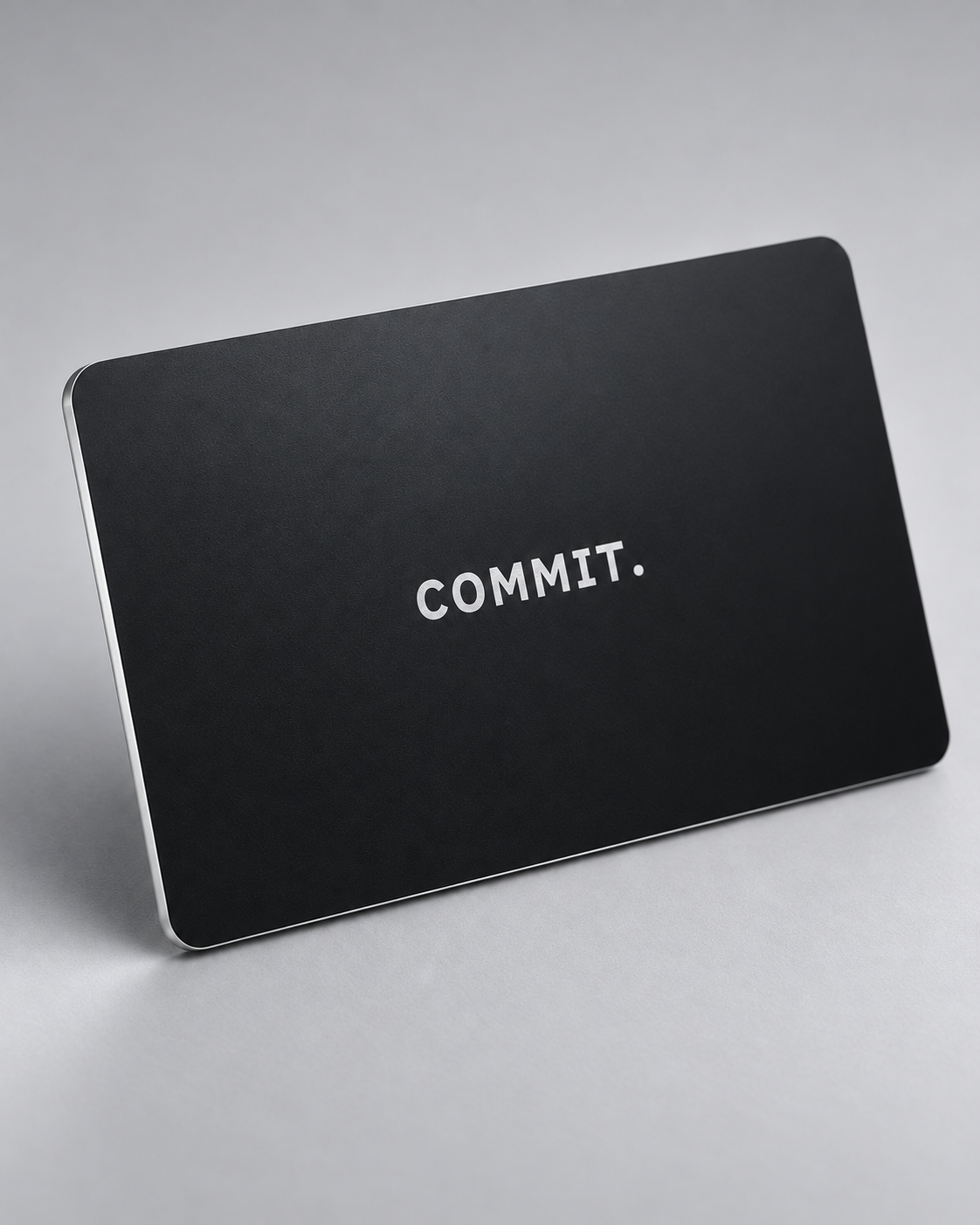
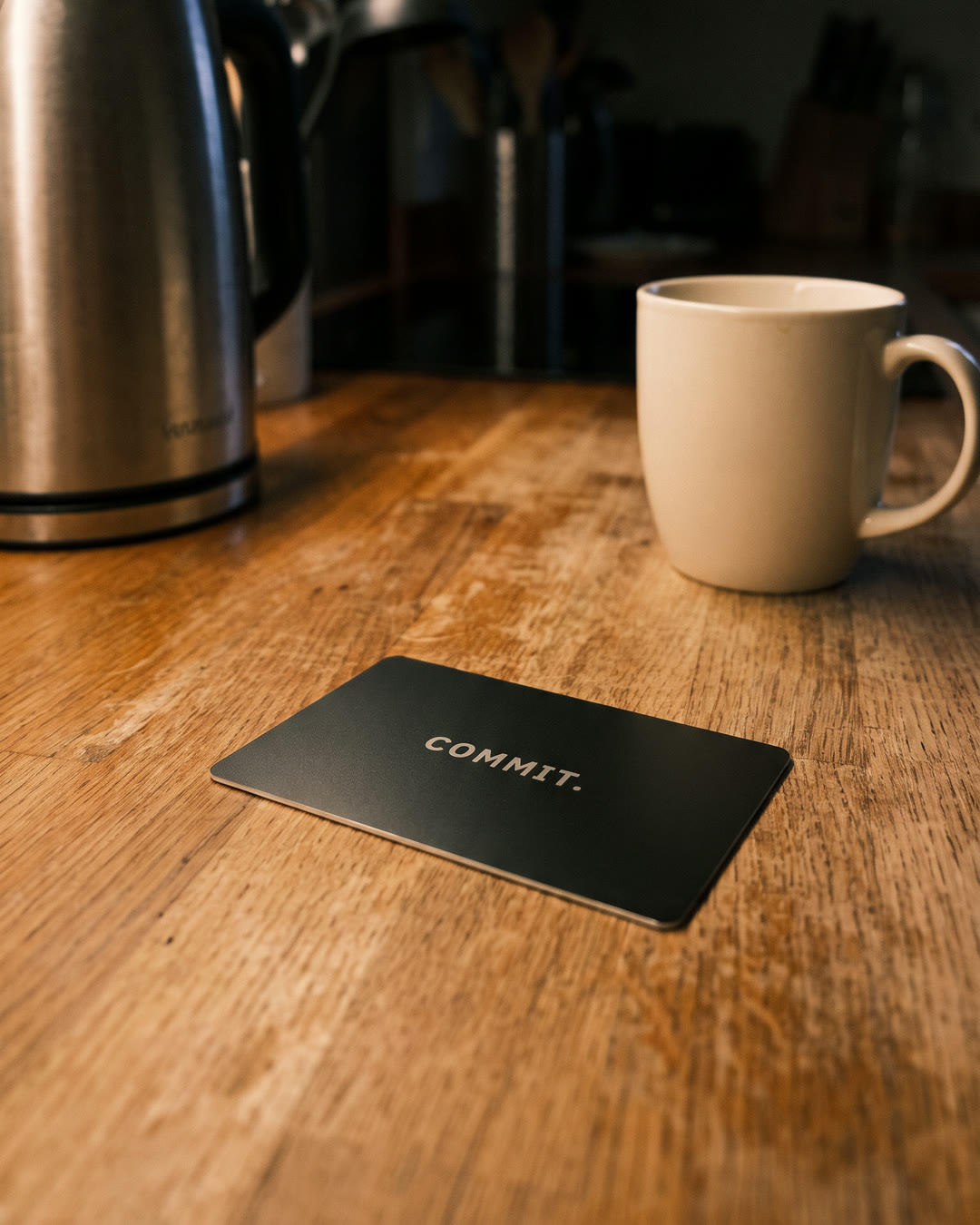
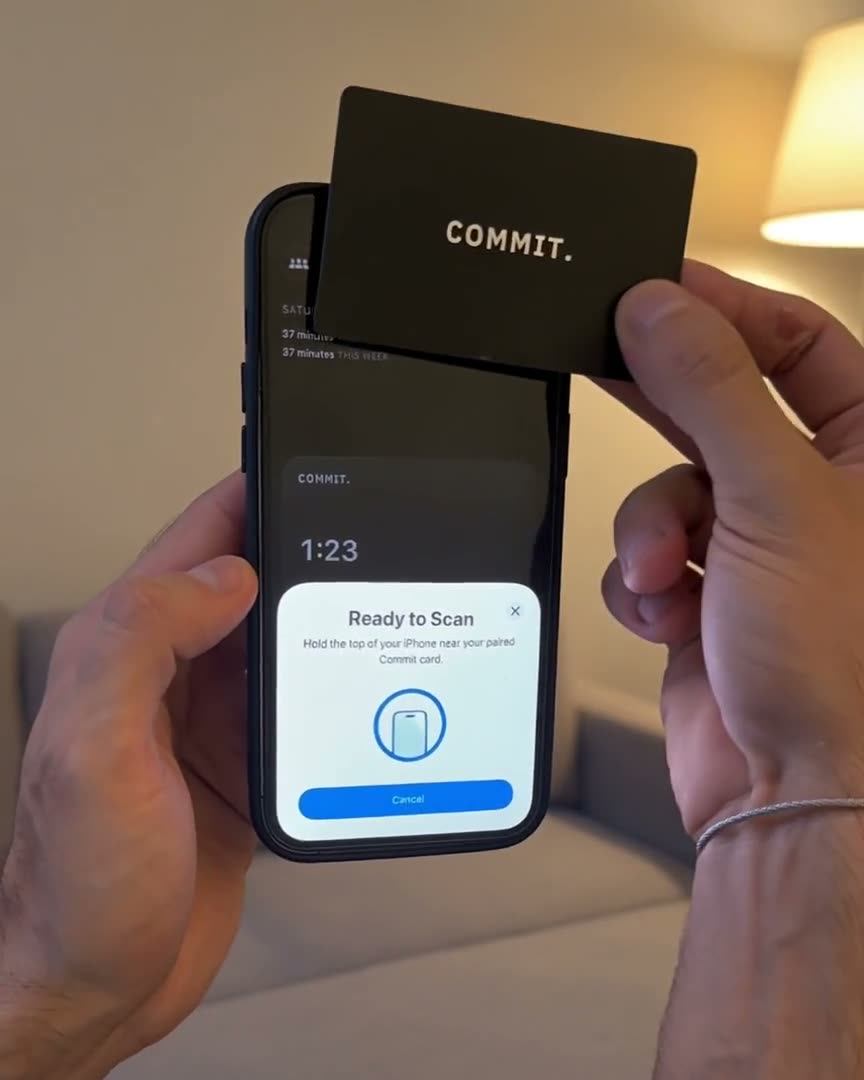
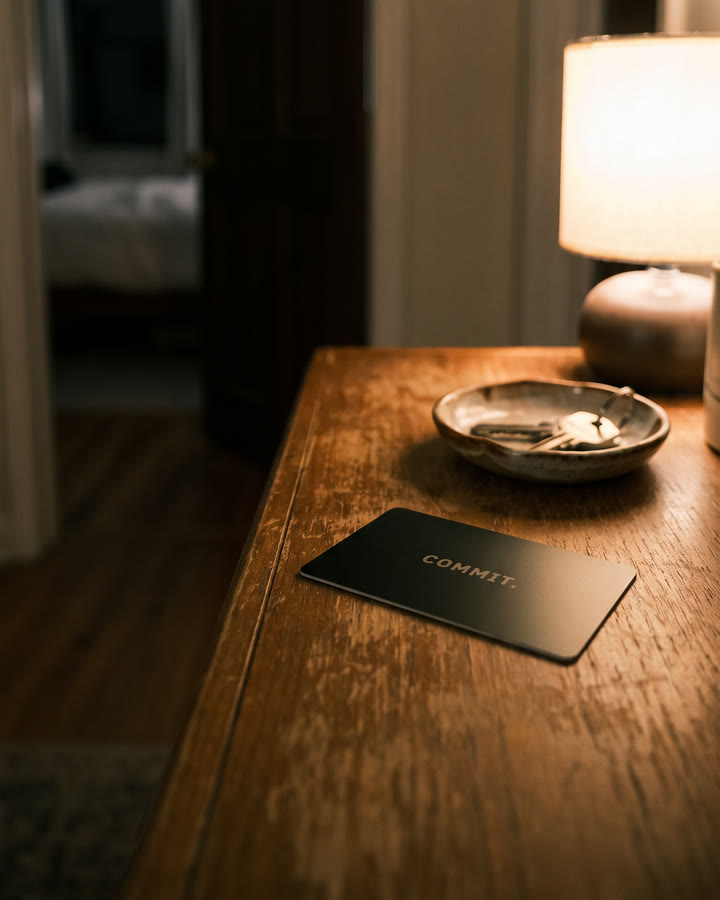
Leave your Commit Card by the kettle. When your Wake alarm rings, walk over and hold the top of your iPhone against the card to finish Wake.
- Apple’s Stop control. Use Stop to silence the current ring. Wake rings again after the interval you choose. Scanning your card finishes Wake and cancels the next ring.
- Night Protection. Turn it on to block the apps you choose from a set time at night. When you scan your card to finish Wake in the morning, those apps are unblocked.
- Already awake? During Night Protection, tap “Already awake?” and scan your card to end it early and skip the upcoming alarm.
- It travels. The card is the size of a bank card, so it goes in your wallet when you’re away.
Get a Commit Card for Wake
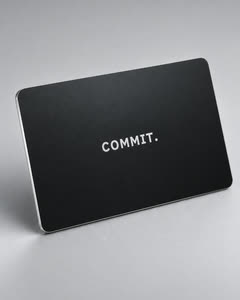
Wake requires a Commit Card and an iPhone with iOS 26 or later.
Checking delivery country…
Make getting up easier
An alarm that gets you out of bed helps most when the rest of your routine helps too.
- Keep the same wake-up time, weekends included, as far as you can. It gets easier when your body expects it.
- Get light early. Open the curtains or step outside soon after you get up.
- Make the first thing something you like, such as coffee, a shower or music, so the walk to the card leads somewhere.
- Protect the night before. Late-night scrolling is the main reason mornings are hard. Our guide to stopping scrolling in bed covers it.
Questions
- Is there an iPhone alarm you have to scan to turn off?
- Commit Wake lets you finish the alarm by scanning your paired Commit Card. Apple’s Stop control quiets the current ring. Scanning the card finishes Wake and cancels the next ring. You can take the card with you when you travel.
- What if I can’t find my card in the morning?
- Wake gives you another way to finish the alarm. Commit includes emergency releases: you start with four, and one is added back every 60 days, up to four.
- Does Commit’s Wake alarm ring if the app is closed?
- Yes. Wake uses the iPhone’s alarm access, so it rings at the time you choose even when Commit isn’t open. It needs iOS 26 or later.
- Will I just go back to bed after turning it off?
- Sometimes. Getting up is the hard part, so standing at the other end of the house helps a lot. Put the card next to something you do every morning anyway, such as the kettle, and you’re halfway into your day.