Brick alternatives: physical app blockers compared
Brick, Commit, Bloom and Unpluq: what each physical app blocker costs in the UK, which phones it works on, and who it suits.
The short answer
Brick’s approach is physical: block your apps, and normally unblock them by tapping your phone on something you’ve left in another room. There are now several alternatives, and they differ mostly on price, phones and whether you pay a subscription.
- iPhone in the UK, a one-off price: Commit, at £29.99 with free UK delivery.
- Android, or a mix of phones at home: Brick or Bloom.
- A keyring tag you carry: Unpluq, with a subscription.
What a physical app blocker does
You choose the apps and websites to block in an app on your phone. A physical unlock means tapping your phone on an object: a card, a puck or a tag. Your phone reads it with NFC, the same short-range radio Apple Pay uses, so none of them needs a battery.
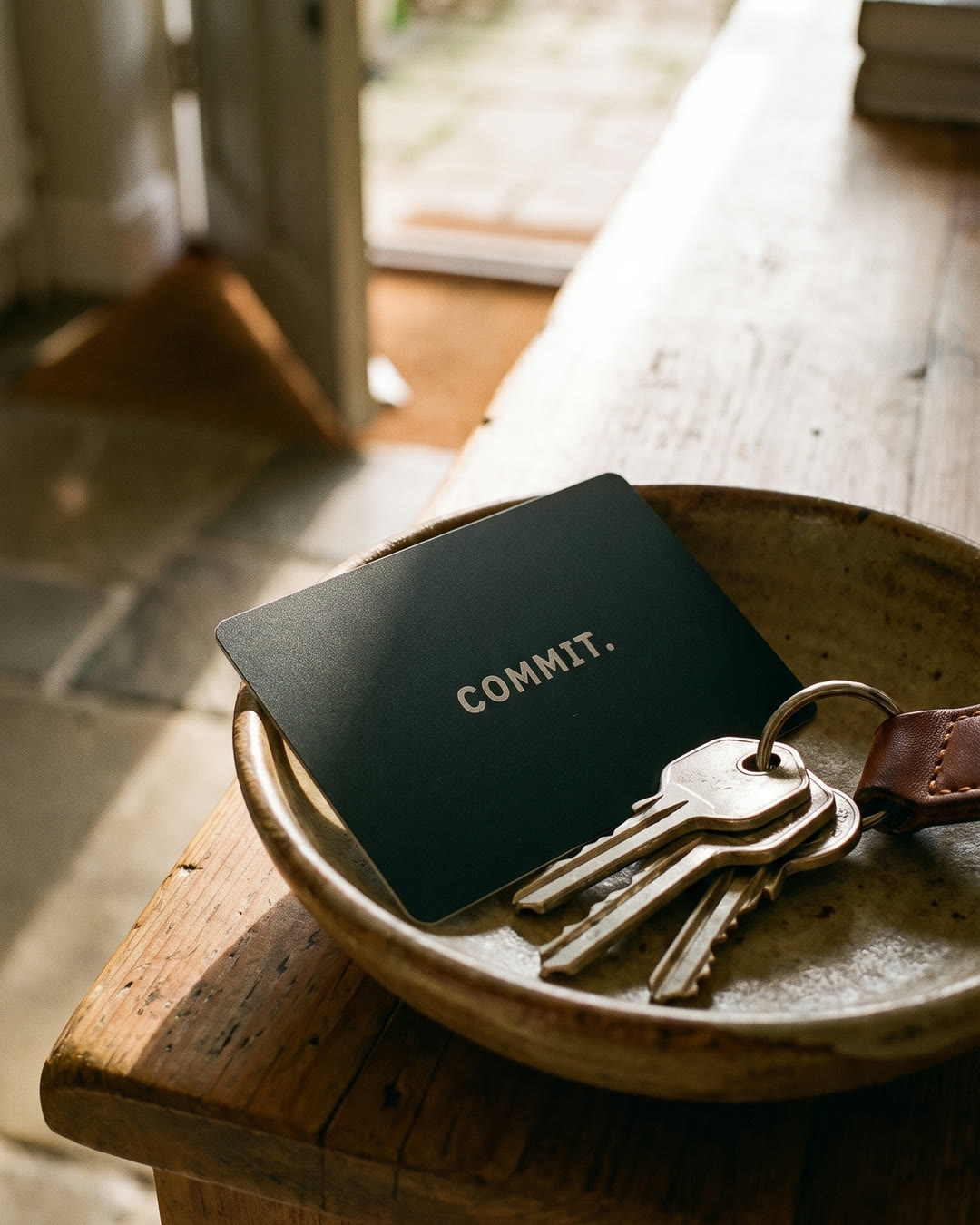
The object is the point. Leave it in the kitchen and every “quick check” means getting up and walking there. Most of the time, the urge passes before you’ve stood up. That’s why people who ignore Screen Time limits often stick with a physical blocker.
Side by side
| Commit | Brick | Bloom | Unpluq | |
|---|---|---|---|---|
| Price | £29.99, free UK delivery | Roughly £35–£60 before shipping and offers | Roughly US$30–US$50 for the card, before shipping and taxes | Roughly £20–£30 for 3 months of Premium with the Tag; renewal costs extra |
| Subscription | None | None | None | Premium subscription needed for the Tag |
| Phones | iPhone, iOS 17 or later | iPhone, and Android 12 or later | iPhone and Android | iPhone (iOS 16 or later) and Android |
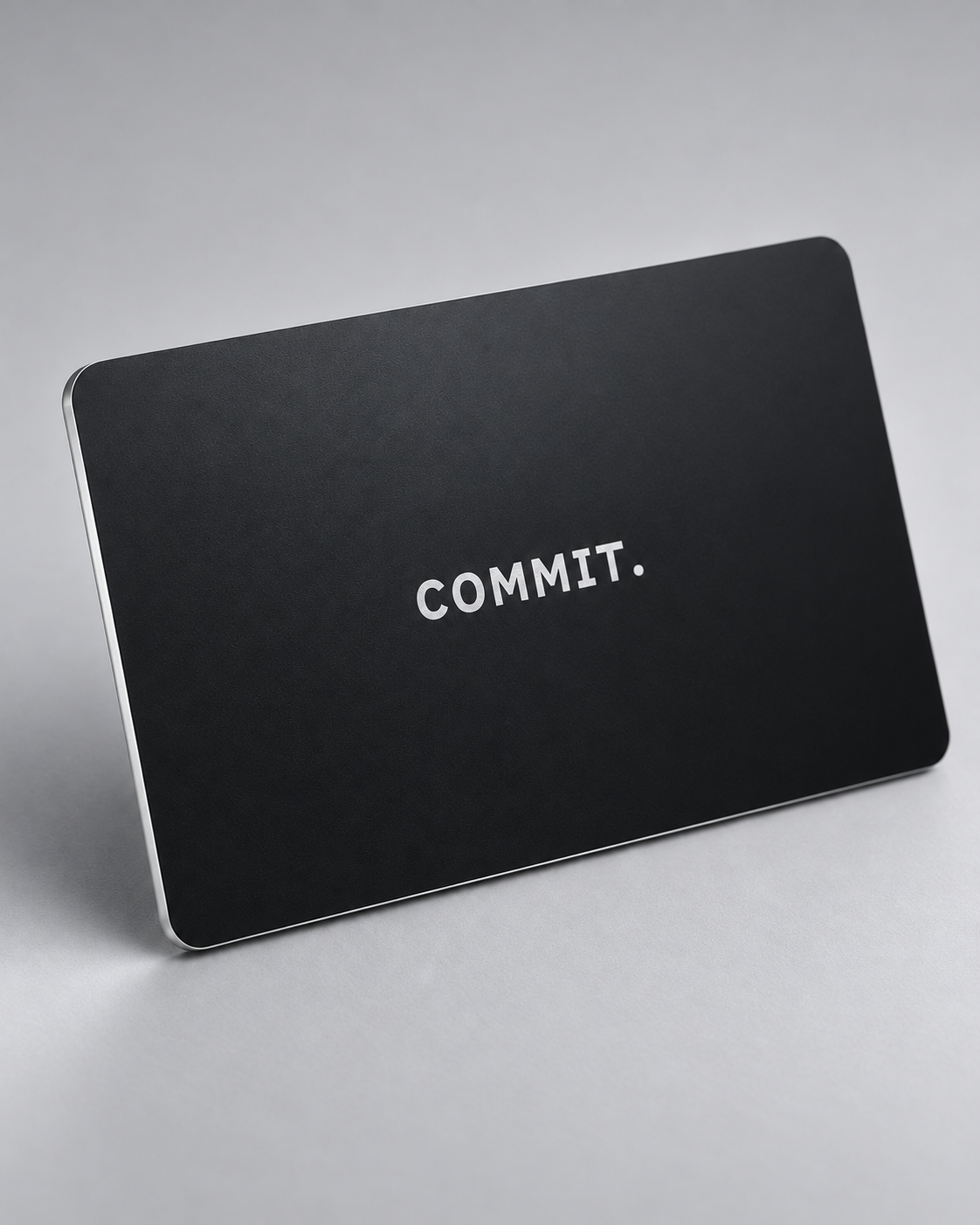
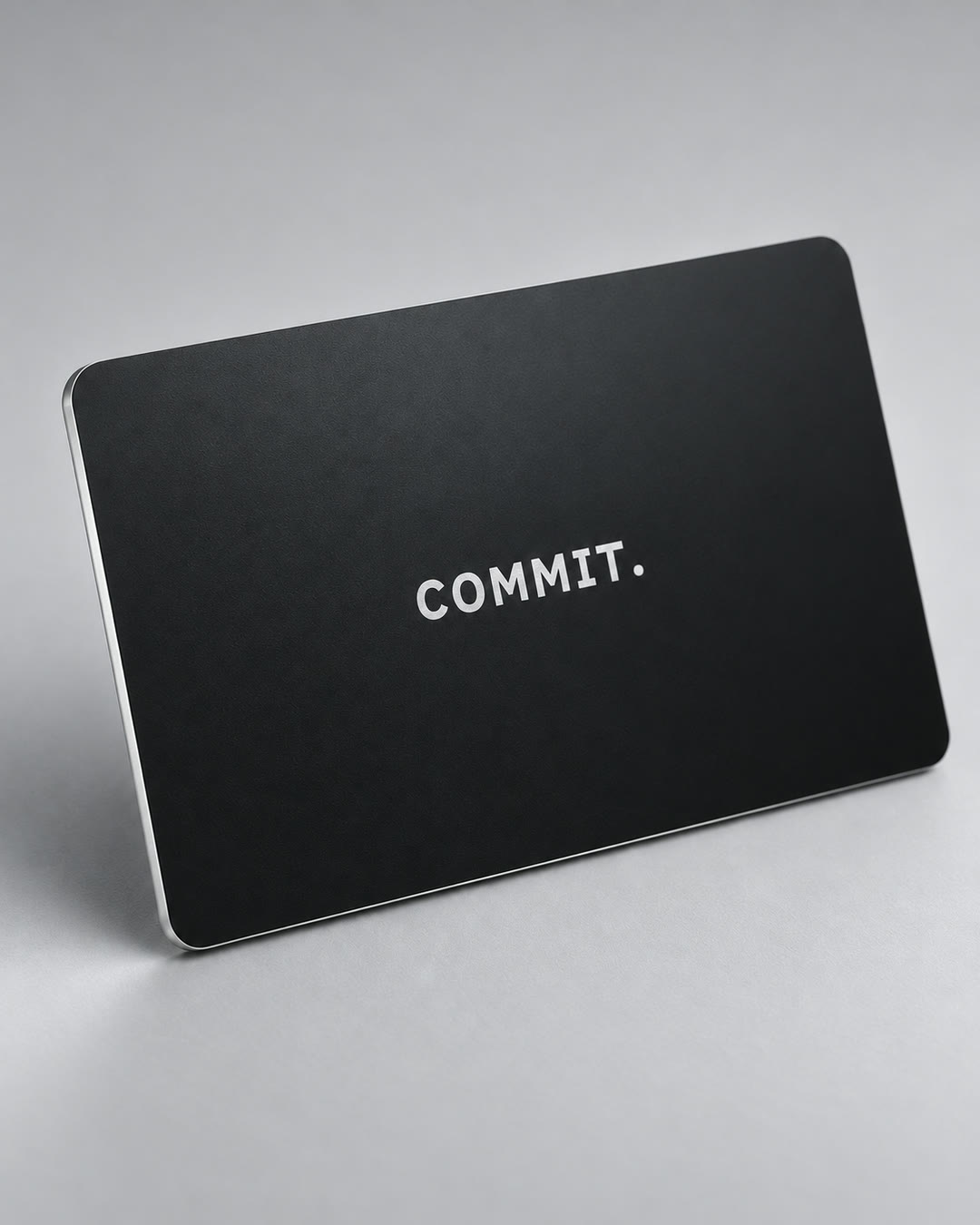
| The object | Stainless steel card, bank-card size | Magnetic puck | Metal card; a separate magnetic Pod also works with the app | Keyring tag |
| Emergency unlocks | Four, with one added back every 60 days | Five Emergency Unbricks | Three emergency exits, plus one more each month | Not stated on its subscription page |
| Ships to the UK | Yes: UK, Australia and the US | Yes | Ships internationally; UK price not listed | UK prices shown on its website |
| Stand-out extras | Wake alarm you stop with the card; Group Commits for up to 20 people | Wide phone support; Brick Night sleep device sold separately | Pod for a fixed spot at home | Digital unlock options as well as the Tag |
Commit
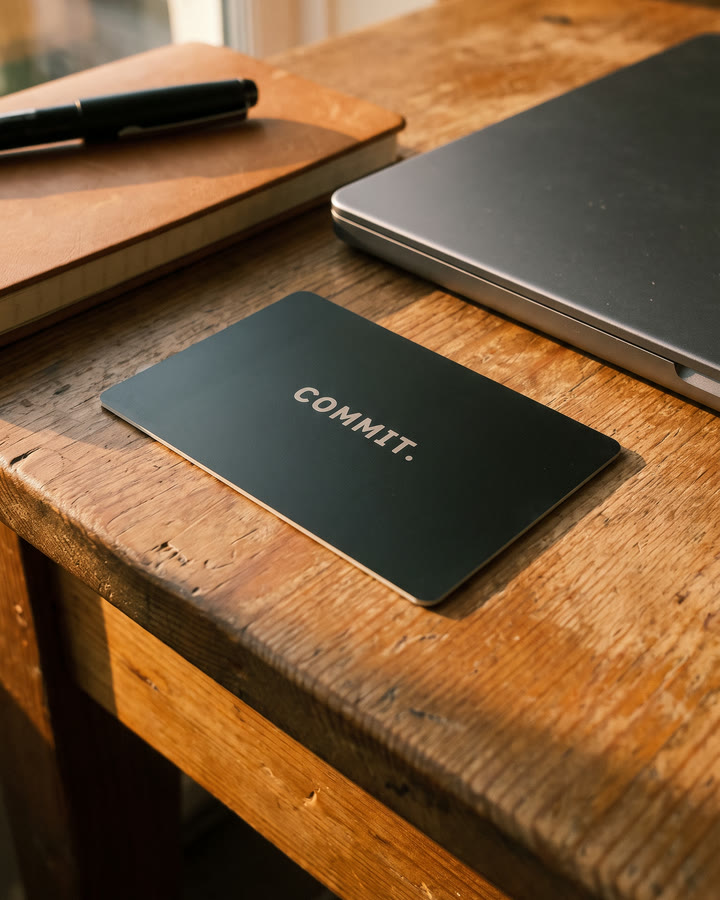
Commit is a matte-black stainless steel card and a free iPhone app. You hold the card on screen to start a session, so you don’t need it nearby to begin, and you scan the real card to finish. It costs £29.99 once. Free UK delivery. There’s no subscription.
What sets it apart is what’s built into the app: Wake, an alarm you finish by scanning your card (iOS 26 or later), and Group Commits, where up to 20 people block their own apps and start together. Guests need neither a card nor an account. You can also plan sessions on your calendar.
Not for you if: you use Android, or you live somewhere other than the UK, Australia or the US. We deliver to those three countries for now. Read Commit vs Brick for the closest comparison.
Brick
Brick is a magnetic puck that works with iPhone and Android 12 or later. It’s roughly £35–£60 in the UK before shipping and offers, with no subscription, worldwide shipping and five Emergency Unbricks.
Choose it if: your household mixes iPhones and Android phones, or you want an established option.
Bloom
Bloom sells a metal card for roughly US$30–US$50 before shipping and taxes, with a free app and no subscription. It works on iPhone and Android. A separate magnetic Pod works with the same app and stays in a fixed spot, such as the fridge. The Card and Pod set is roughly US$60–US$80 before shipping and taxes. Bloom’s FAQ says it ships internationally, with free international shipping on three or more cards, and that customers outside the US may pay import duties.
Choose it if: you want a card on Android. Check the delivered price to the UK before you buy.
Unpluq
Unpluq is a small tag for your keyring. Its subscription page lists the Tag as working with Unpluq Premium, at roughly £20–£30 for three months including the Tag, with further payment needed to keep Premium. The app works on iPhones running iOS 16 or later and on Android, and offers digital ways to unlock as well as the tag.
Choose it if: you’d rather carry the tag with you than leave it somewhere, and you don’t mind paying a subscription.
Or skip the hardware
App-only blockers such as Opal don’t need an object at all. That’s easier to live with, but the way out of a session is still on the phone in your hand. Read Commit vs Opal and Commit vs Screen Time for that side of the choice.
No physical blocker is unbreakable
On iPhone, every one of these uses Apple’s Screen Time framework, and on a self-managed iPhone, iOS lets you remove an app’s Screen Time access in Settings. Most add a strict mode to make that harder, and most include some kind of emergency unlock. That’s a good thing: nothing should be able to lock you out of your maps or your bank in an emergency. What a physical blocker gives you is a pause long enough to change your mind.
Sources
- Brick product page (UK price, phones, Emergency Unbricks)
- Bloom homepage and Bloom FAQ (price, Pod, emergency exits, shipping)
- Unpluq Premium subscription (UK prices, Tag, phones)
- The Commit Card and Commit delivery and returns
Questions
- What’s the cheapest alternative to Brick in the UK?
- For a one-off price with no subscription, Commit: one Commit Card is £29.99 with free UK delivery, against roughly £35–£60 for one Brick before shipping and offers. Unpluq starts lower up front, at roughly £20–£30 for three months including the Tag, but the Tag needs the Premium subscription.
- Is there a Brick alternative for Android?
- Yes. Bloom and Unpluq both list Android as well as iPhone, and Brick itself works on Android 12 or later. Commit is iPhone only for now.
- Do any physical app blockers need a subscription?
- Unpluq does: its tag works with the Unpluq Premium subscription. Brick, Bloom and Commit are one-off purchases with no subscription.
- Can you get round a physical app blocker?
- If you’re determined, yes. On iPhone they all use Apple’s Screen Time framework, and on a self-managed iPhone, iOS lets you remove an app’s Screen Time access in Settings. Most have a strict mode to make that harder. What they add is friction: getting up and walking to the card or tag.