How to stop scrolling in bed
Why late-night scrolling is so hard to stop, and seven changes that work, starting with the one that matters most: where your phone sleeps.
You get into bed meaning to check one thing, and look up an hour later. Then the alarm goes off and you reach for the phone before you’ve opened your eyes. If that sounds familiar, you’re in very good company.
The good news is that this is mostly a setup problem rather than a willpower problem. Change the setup and the habit changes with it. Here are seven things that work, starting with the one that matters most.
Why it’s so hard to stop
Three things work against you at night:
- Feeds have no end. A book has chapters and a TV episode finishes. A feed never gives you a natural moment to stop.
- You’re tired. At the end of a long day, choosing to put something down is harder than carrying on.
- It feels like your own time. If your day belonged to work or other people, staying up is how you claw some of it back. People call this “revenge bedtime procrastination”.
None of that is fixed by trying harder at 11:45pm. It’s fixed earlier in the evening, by deciding where your phone will be.
1. Give your phone somewhere else to sleep
This is the big one. If your phone charges on the bedside table, you’ll scroll in bed. If it charges in the kitchen, mostly you won’t.
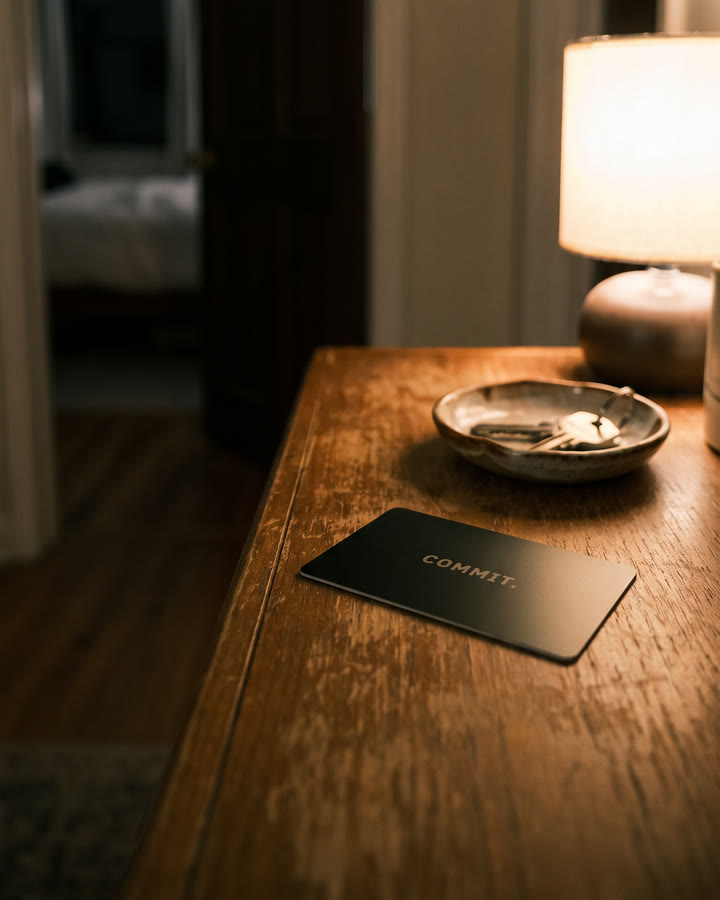
Pick a spot outside the bedroom, such as the hallway, the kitchen worktop or a shelf by the front door. Put a charger there and make it the phone’s home after a set time. It feels strange for about a week, then it feels normal.
2. Use an alarm that isn’t your phone
“I need it for my alarm” is the main reason phones end up in the bedroom. A basic alarm clock costs less than a takeaway and removes the excuse.
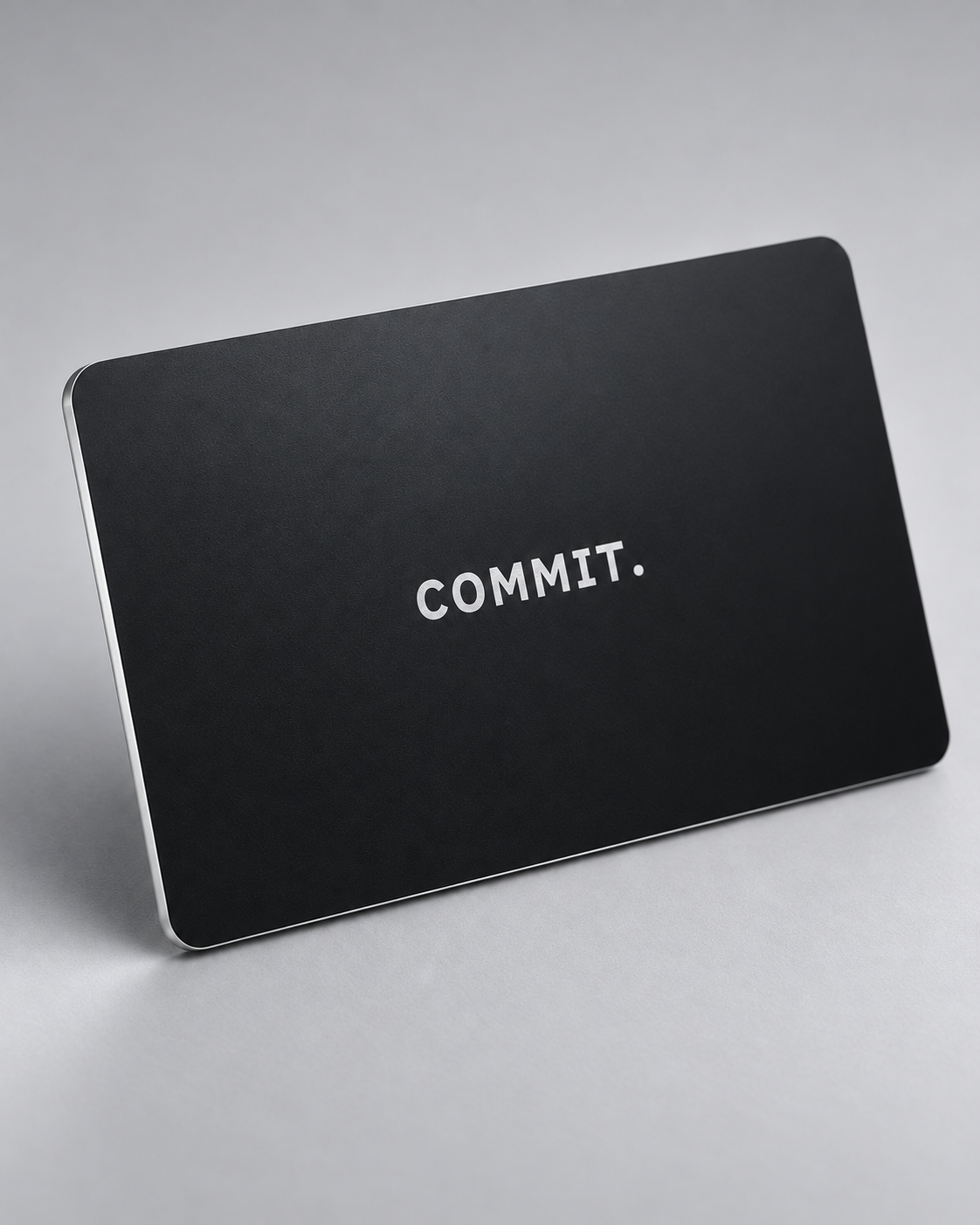
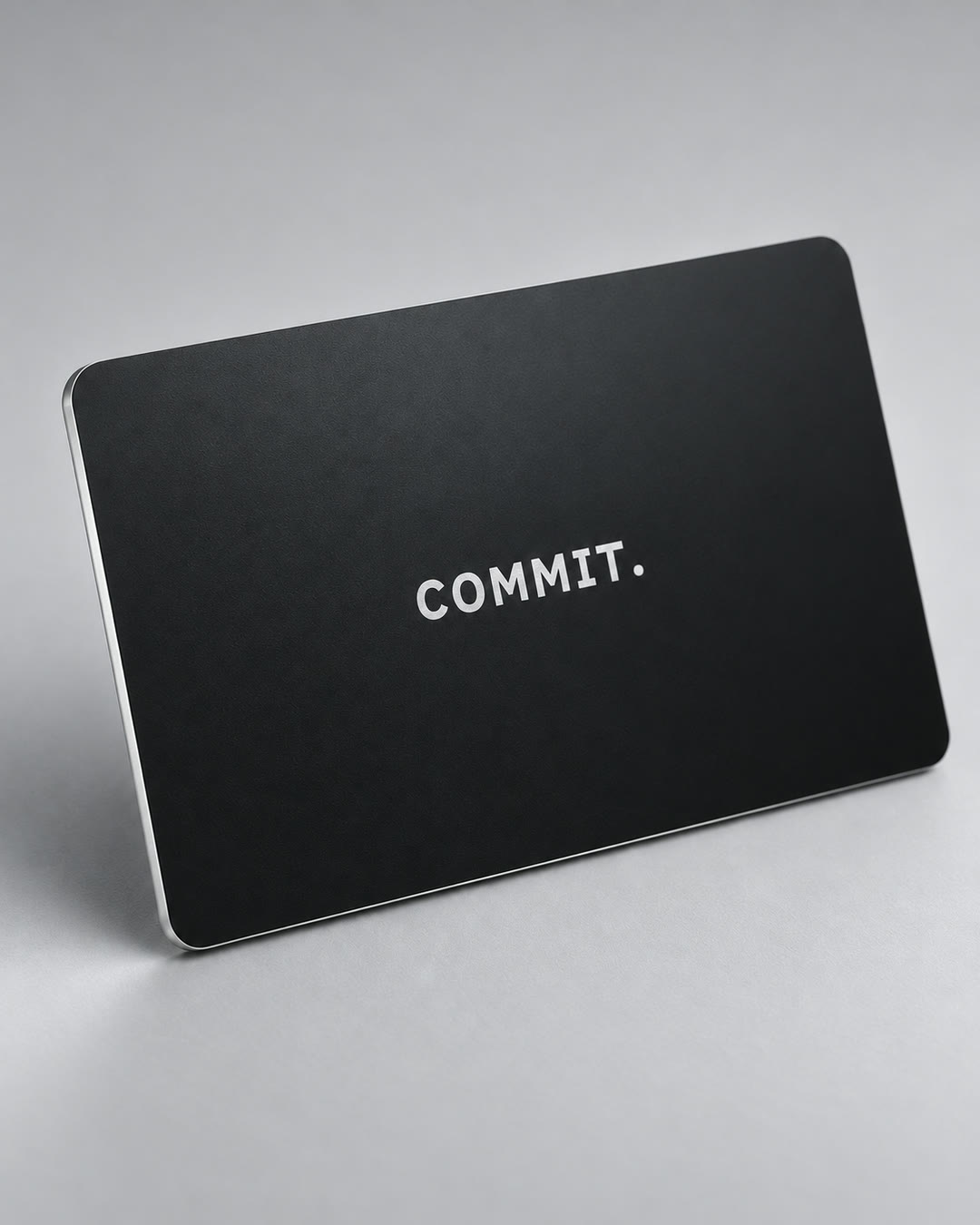
Or use an alarm that makes you get up. Commit’s Wake alarm keeps ringing again until you scan your Commit Card. Leave the card in the kitchen and you’re out of bed before you can start scrolling. Silencing the sound doesn’t end it: it rings again after the interval you choose. Our guide to alarms that make you get out of bed compares the other options.
3. Set a cut-off time, not a time budget
A daily limit of an hour on social media doesn’t help if you save that hour for midnight. What helps is a fixed time when the scrolling apps stop, every night.
The NHS suggests not using phones, tablets or computers for an hour before bed. Choose a time, put it in your calendar, and let something other than your willpower enforce it:
- Screen Time Schedule (Downtime before iOS 27) can make chosen apps unavailable from a set time. It’s easy to ignore if you set the passcode yourself.
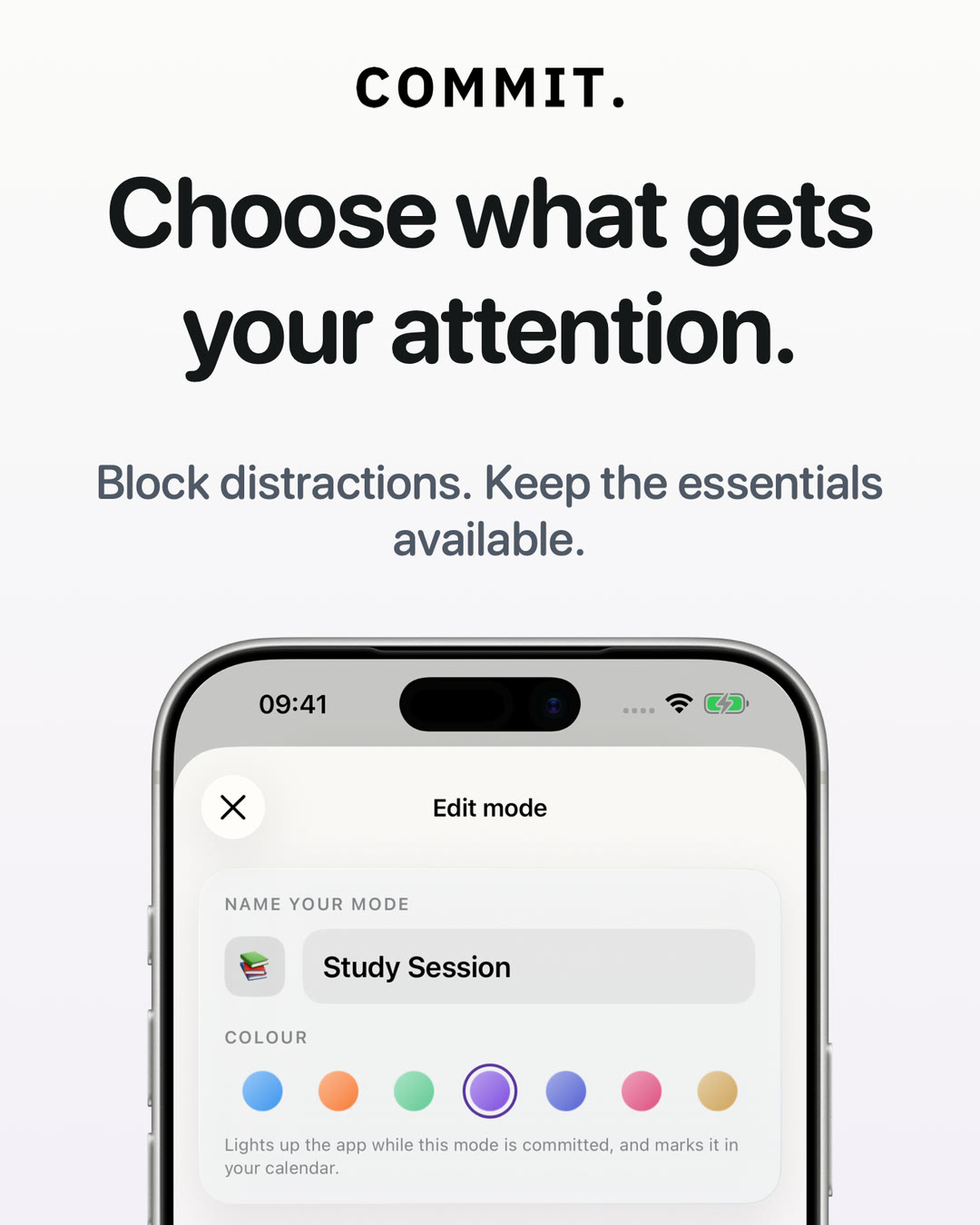
- Commit’s Night Protection blocks the apps you choose from a start time until your Wake alarm. They stay blocked until you get up and scan your card in the morning.
4. Decide what you’ll do instead
Taking the phone away leaves a gap, and gaps get filled. Have something ready that’s pleasant and has a natural end:
- A paper book or an e-reader with no apps
- A podcast or audiobook with the phone left outside the room, or a sleep timer on a speaker
- Ten minutes of writing tomorrow’s to-do list, so it’s out of your head
- Stretching, or just lying in the dark. Being bored for a few minutes is how you fall asleep.
5. Keep the first ten minutes of the morning phone-free
Night scrolling and morning scrolling feed each other. If the phone is the first thing you touch, it sets the pattern for the day and makes the evening habit feel normal.
If your phone sleeps in the kitchen, the morning sorts itself out: get up, get dressed, and pick it up on your way to the kettle. With Commit, scanning the card to stop your alarm also lifts Night Protection, so you get your apps back at the moment you’re up and about.
6. Make the phone less interesting after dark
Two settings make late-night scrolling less rewarding:
- Greyscale. Settings, then Accessibility, then Display & Text Size, then Colour Filters. Feeds lose a lot of their pull in black and white.
- A Sleep Focus that silences everything except the people you’d want to hear from at night.
7. Plan for the exceptions
The plan only breaks when it has no room for real life. Decide in advance what’s allowed:
- Keep Phone and Messages available, so family can always reach you.
- If you look after someone, keep your phone close but block the feeds rather than the phone.
- Allow yourself the odd late night on purpose. A rule you break on purpose is still a rule.
Stick with it
The first few nights are the hardest, because the urge to reach for your phone hasn’t caught up with the fact that it isn’t there. Give it two weeks before you judge it. By then the reach for the bedside table usually starts to fade, and the time it used to take goes back to reading, sleeping earlier, or a few calm minutes in the dark. That’s the goal.
Questions
- How long before bed should I stop using my phone?
- The NHS suggests not using phones, tablets or computers for an hour before bed. If an hour feels impossible, start with 20 minutes and build up.
- What if I need my phone as an alarm?
- Buy a cheap alarm clock, or use an alarm that makes you get up to stop it. Commit’s Wake alarm rings until you scan your Commit Card, so you can leave the card outside the bedroom.
- Is it bad to keep my phone in the bedroom for emergencies?
- You can keep it within reach for calls and still block everything else. Block the apps you scroll, and leave Phone and Messages available.
- Why is it so hard to stop scrolling at night?
- Feeds are designed with no natural stopping point, and at the end of a long day it’s harder to make yourself stop. It isn’t a willpower problem so much as a setup problem.