How to block TikTok on iPhone
Five ways to block TikTok on your iPhone, from a Screen Time limit to deleting it, plus how to stop the habit moving to TikTok in Safari.
TikTok is built to be hard to put down, so “I’ll just use it less” rarely lasts. Blocking it works better. This guide covers five ways to block TikTok on your iPhone, how strict each one is, and the step most people miss: blocking the website as well as the app.
The quick comparison
| Method | Cost | How easy to get round | Blocks tiktok.com too? |
|---|---|---|---|
| TikTok’s own daily limit | Free | Very easy: you choose the passcode | No |
| Screen Time | Free | Easy, unless someone else sets the passcode | Yes, if you set it up |
| Lock or hide the app | Free | Very easy: Face ID opens it | No |
| Delete the app | Free | Moderate: reinstalling takes a minute | No |
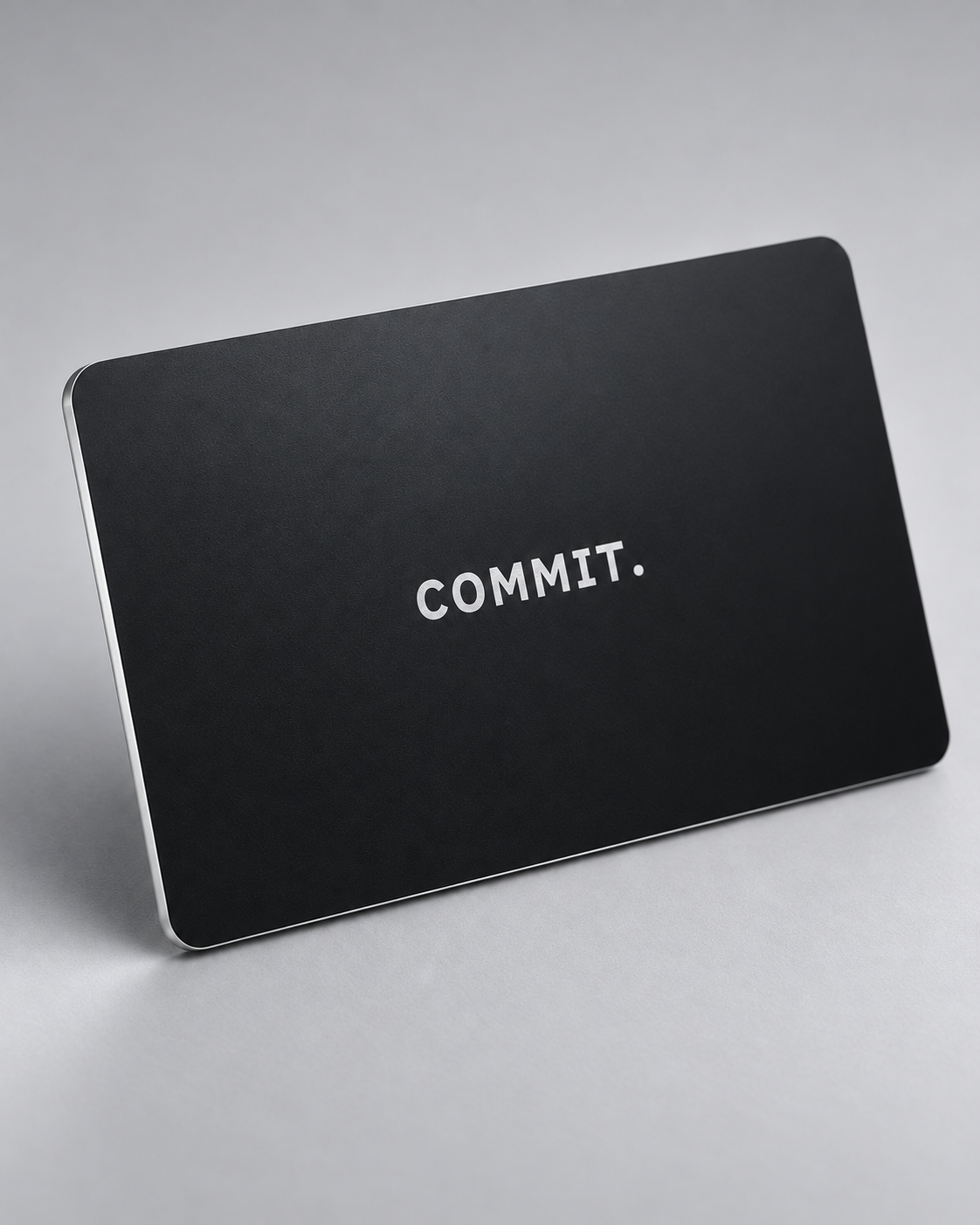
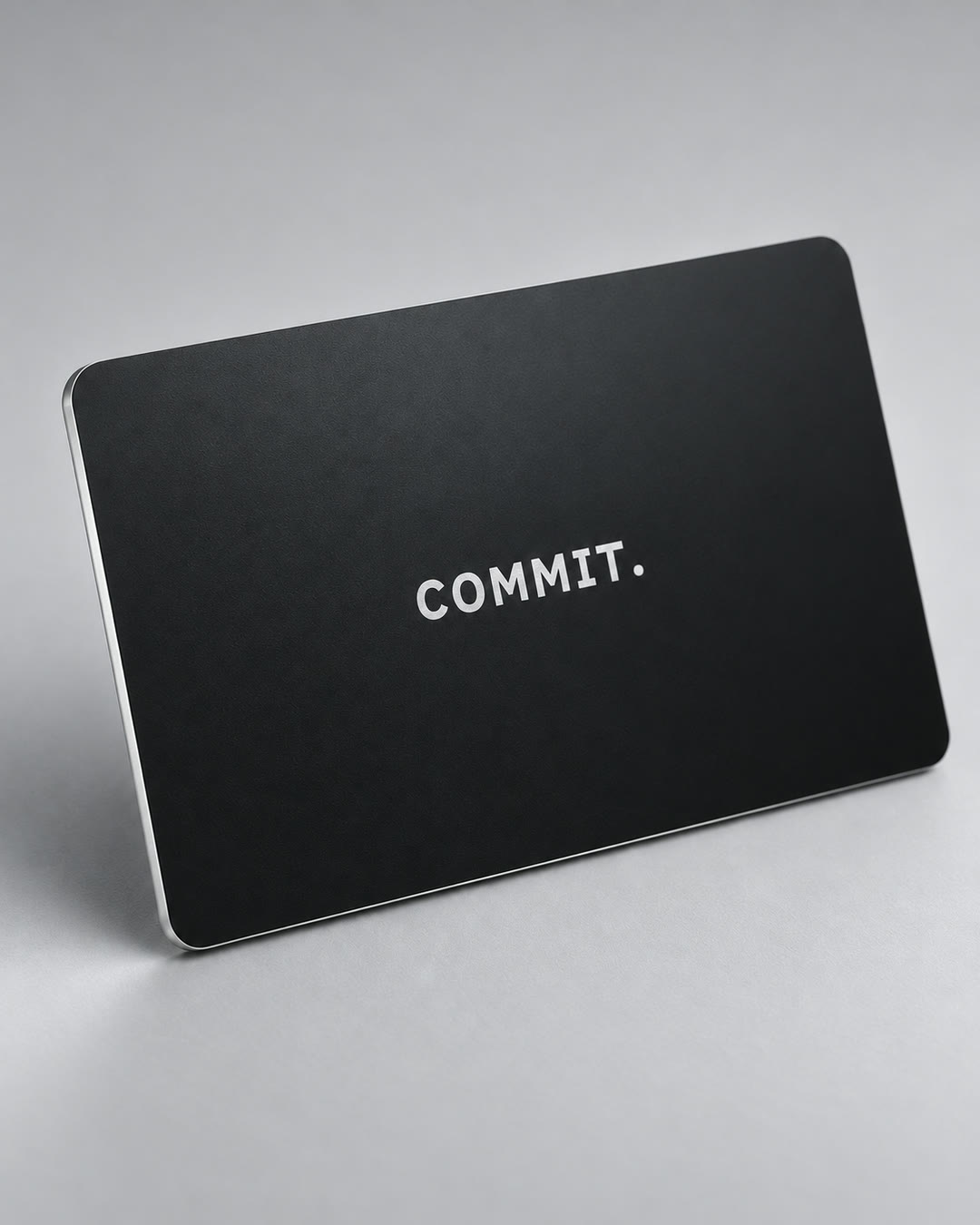
| App blocker or physical blocker | Varies. A Commit Card is £29.99 once | Hard with a physical blocker: you have to fetch the card | Yes, if you add it |
1. TikTok’s own daily limit
TikTok has a daily screen time limit in its own settings. Accounts for under-18s get a 60-minute limit by default. When you reach it, you enter a passcode to keep watching.
It’s a useful nudge, but it’s the gentlest option here: you know the passcode, and entering it takes seconds.
2. Screen Time
Screen Time is built into your iPhone. Apple changed it in iOS 27, so the steps depend on your version.
On iOS 27: Time Allowances
- Open Settings and tap Screen Time.
- Tap Time Allowances. If asked, turn on App & Website Activity.
- Tap Manage Categories, add the category TikTok belongs to, and set a daily allowance for it.
Apple says that if an app declares an associated website, its Time Allowance covers the website too. The catch is that allowances work on categories, so other apps in the same category share the limit.
On iOS 26 or earlier: App Limits
- Open Settings, tap Screen Time, then App Limits.
- Tap Add Limit, open the category TikTok is in, and select TikTok.
- Tap Next, set a time such as 1 minute a day, then tap Add.
To block tiktok.com in Safari on iOS 26 or earlier, go to Settings, Screen Time, Content & Privacy Restrictions, App Store, Media, Web & Games, then Web Content. Choose Limit Adult Websites and add tiktok.com under Never Allow.
Make it stick
When you hit a Screen Time limit, your iPhone offers to let you ignore it. A Screen Time passcode puts a code in the way, but if you set it yourself, you know it. Ask someone you trust to set it if you want it to hold.
3. Lock or hide the app
Since iOS 18 you can touch and hold the TikTok icon and choose Require Face ID. Hide and Require Face ID also moves it into a hidden folder. It adds a moment’s pause and takes the icon out of sight, but your face opens it again in a second.
4. Delete it
Deleting TikTok is the cleanest break, and your account stays as it is if you change your mind. Two things to know:
- Reinstalling takes about a minute, so on a bored evening it may not hold.
- tiktok.com works in Safari. Block the website too, or you’ve only moved the habit.
Some people delete it on weekdays and reinstall it at the weekend. If that works for you, it’s a good system.
5. An app blocker or a physical blocker
App blockers let you block TikTok on its own, block the website at the same time, and choose when the block runs. They’re stricter than Screen Time because ending a session takes more than one tap.
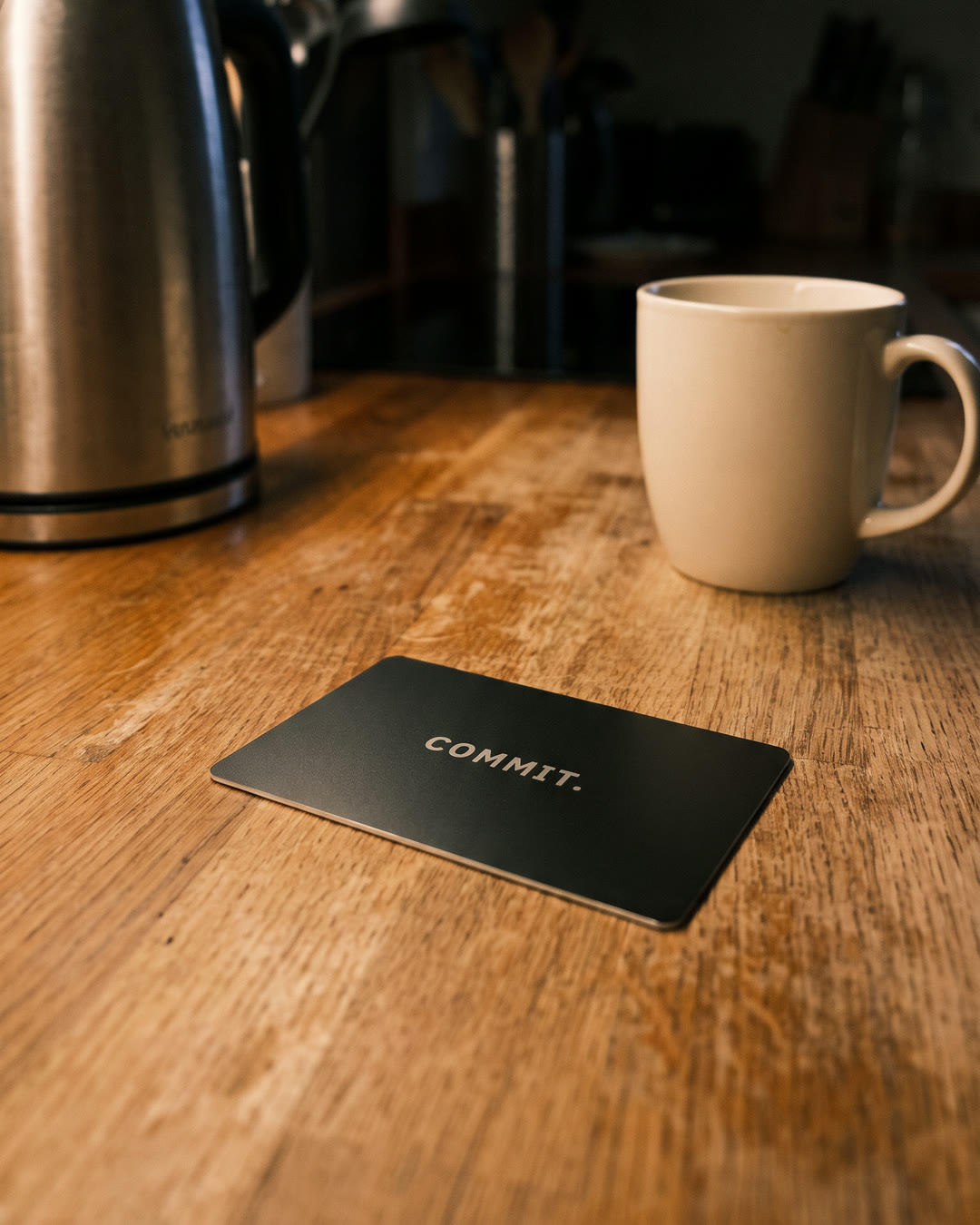
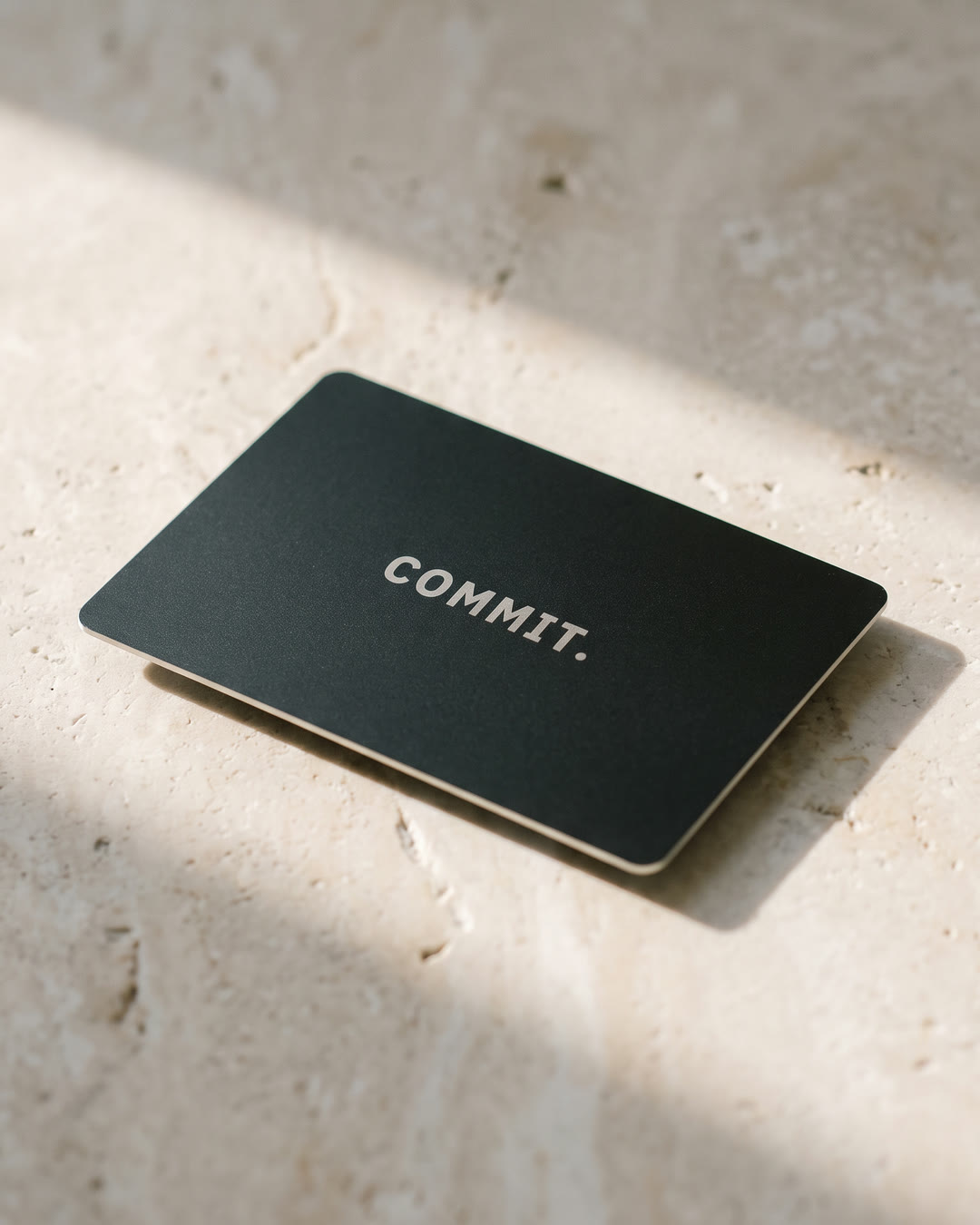
A physical blocker goes a step further. With Commit, you choose TikTok and tiktok.com in a mode, then touch and hold the card on screen to start. TikTok stays blocked until you walk to your Commit Card and scan it. Leave the card in another room, and opening TikTok means getting up first.
Commit’s Strict Mode can also stop you deleting or installing apps while a Commit is active, which closes the “delete the blocker, reinstall TikTok” loophole. The app is free with no subscription, and there are emergency releases for when you really can’t get to the card.
Tips that make any block work better
- Block the moments, not the whole day. The last hour in bed and the first hour of the morning are where most TikTok time goes.
- Block the website too. Every method above works better when tiktok.com is blocked as well.
- Watch for the swap. If TikTok time turns into Reels or Shorts time, block those as well. See every way to block apps on iPhone.
- Keep your phone out of the bedroom. Our guide to stopping scrolling in bed explains how.
Questions
- Can I block TikTok but keep my other apps?
- Yes. An app blocker, including Commit, lets you choose TikTok on its own. On iOS 26 or earlier, Screen Time’s App Limits can also limit a single app. On iOS 27, Apple’s Time Allowances work on categories of apps, so a limit can catch other apps in the same category.
- How do I block TikTok on my child’s iPhone?
- On iOS 27, open Settings, tap Family, then your child’s name. Tap Apps & Websites, select TikTok, then tap Block App. The app isn’t deleted; it’s dimmed on their Home Screen until you unblock it.
- Does blocking TikTok delete my account or my videos?
- No. Blocking only stops the app opening on your phone. Your account, videos and drafts stay as they are. Deleting the app doesn’t delete your account either.
- Why can I still watch TikTok after blocking the app?
- Because tiktok.com still works in Safari and other browsers. Block the website as well as the app, or the habit just moves to the browser.